
Create Professional Brochures with AI in Minutes
Describe your business, product, or service, and AI Doc Maker generates polished, print-ready brochures instantly. No design experience required—just clear results. Try it free!
Agentic AI That Works For You
AI that creates, refines, and manages your documents autonomously.
Built for Documents
PDFs, reports, spreadsheets, and more
AI-Managed Workspace
AI maintains its own files — organizing and refining as it works
Learns From You
Automatically learn from your chats and gets better over time
Super Fast AI Document Generator
Transform your ideas into professional documents in seconds with AI
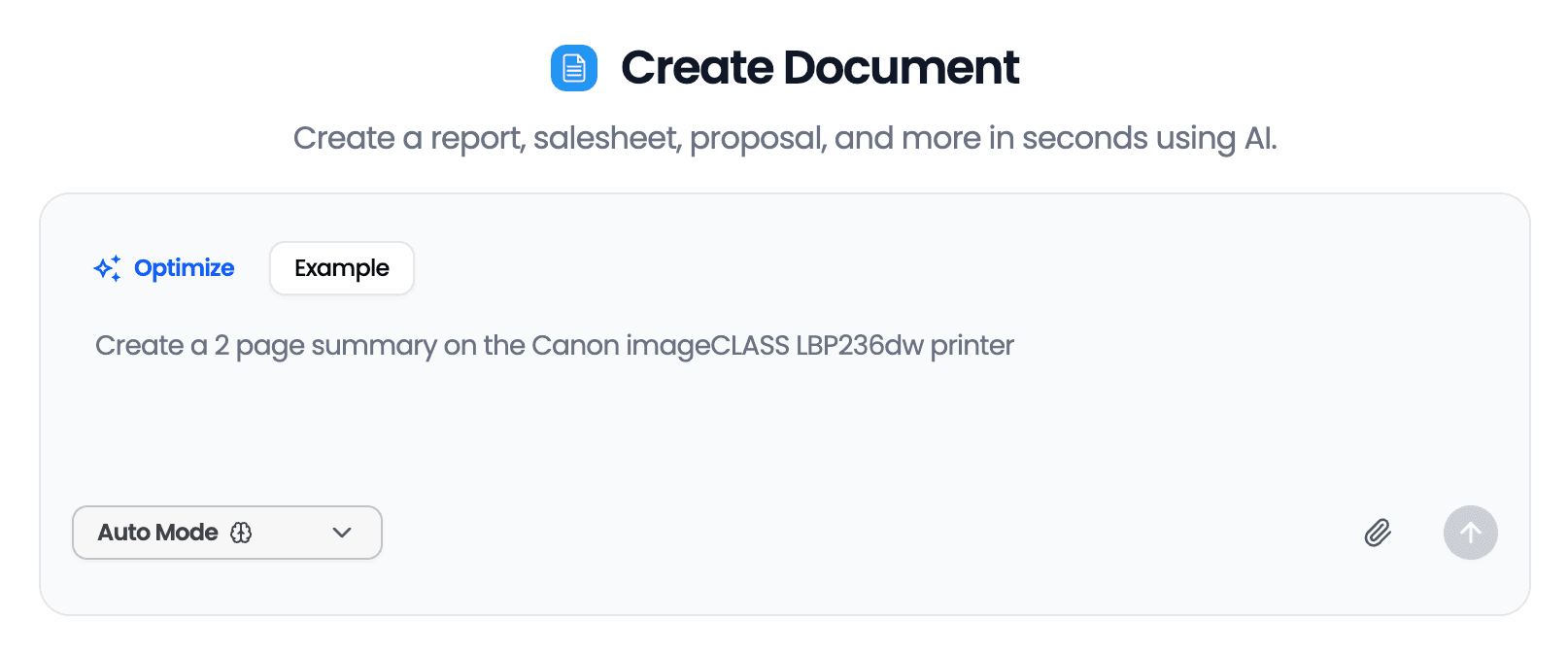
Describe, Don't Design
Simply tell the AI what your brochure needs to communicate, and it handles layout, copy, and visual structure automatically.
Print-Ready Output
Download brochures formatted for professional printing or digital distribution—no manual adjustments needed.
Consistent Brand Messaging
AI ensures your key selling points and calls-to-action are clear and persuasive throughout the brochure.
Multiple Layout Options
Generate tri-fold, bi-fold, or single-page brochures based on your content and distribution needs.
Edit and Refine Easily
Make quick changes by updating your prompt—the AI regenerates your brochure with your revisions in seconds.
Benefits
Save Hours on Design and Copywriting
Traditional brochure creation requires hiring designers, writing copy, and multiple revision rounds. AI Doc Maker compresses this entire process into minutes. Describe your business and goals, and receive a complete brochure with professional copy and logical organization—ready for your final review.
Look Professional Without the Learning Curve
Design software like InDesign or Canva still requires time to learn. AI Doc Maker eliminates this barrier entirely. Small business owners, real estate agents, and consultants can produce marketing materials that match their expertise level—without spending weeks learning design principles.
Create Brochures for Any Purpose
Whether you need sales brochures for trade shows, service overviews for client meetings, or informational handouts for events, AI Doc Maker adapts to your specific use case. Just specify your audience and purpose, and the AI tailors the content and structure accordingly.
Iterate Quickly for Different Audiences
Need variations for different customer segments or product lines? Generate multiple versions by adjusting your prompts. Test different messaging approaches without starting from scratch each time.
Focus on Strategy, Not Execution
Your time is better spent on business strategy than wrestling with design tools. AI Doc Maker handles the execution so you can focus on what your brochure should achieve—not how to physically create it.
Free AI Tools
Explore our suite of AI-powered productivity tools
More AI Tools
Discover more ways to boost your productivity
Frequently Asked Questions
How does the AI brochure maker work?
You provide a description of your business, product, or service along with key information you want to include. AI Doc Maker then generates a complete brochure with organized sections, compelling copy, and a logical flow. You can download the result or refine it by updating your description.
What information should I include in my brochure prompt?
Include your business name, what you offer, your target audience, key benefits or features, contact information, and any specific calls-to-action. The more specific details you provide, the more tailored your brochure will be.
Can I create different brochure formats?
Yes. You can specify whether you want a tri-fold brochure, bi-fold brochure, or single-page flyer format. Just mention your preferred format in your prompt, and the AI will structure the content accordingly.
Is this AI brochure maker free to use?
AI Doc Maker offers generous free usage limits that allow you to create brochures without paying. You can generate and download brochures immediately after signing up.
How long does it take to generate a brochure?
Most brochures are generated within 30-60 seconds. Complex brochures with extensive content may take slightly longer, but you'll typically have a complete draft in under two minutes.
Can I edit the brochure after it's generated?
Absolutely. You can refine your prompt to regenerate the brochure with changes, or you can download the output and make manual edits in your preferred software.
What file formats can I download my brochure in?
AI Doc Maker provides download options suitable for both digital sharing and professional printing. You can export your brochure in formats compatible with standard print shops and online distribution.
Do I need design skills to use this tool?
No design skills are required. The AI handles layout decisions and content organization. You just need to clearly describe what your brochure should communicate and who it's for.
Featured in
Popular with ChatGPT Users
Our apps have been featured on OpenAI's ChatGPT Plugin Store and GPT Store, trusted by thousands of users worldwide.
What people are saying
"You've got all the text-generating capabilities of ChatGPT, but also with an easy way to get that text into a shareable, standard format."
"This method is great for making documents, spreadsheets, and presentations... Your documents can include ad copy, formulas, taglines, feedback, blog posts, and more!"
"It's designed to offer users a seamless experience in creating a diverse range of documents... producing PDFs, DOCX, XLSX, and HTML files becomes a breeze."